From shopfront promotions and digital menus to reception displays, put your message where it matters. Axeleron brings together the right screen, content management and installation support to create a digital signage solution tailored to your space and business needs.
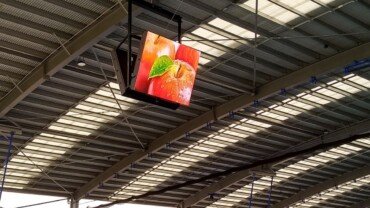
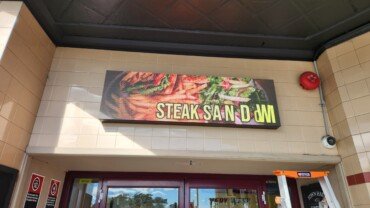
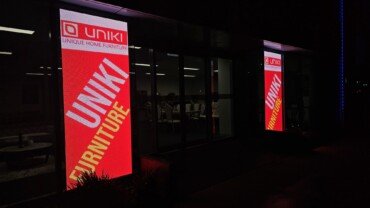
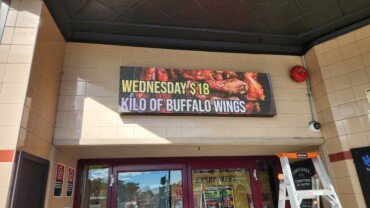

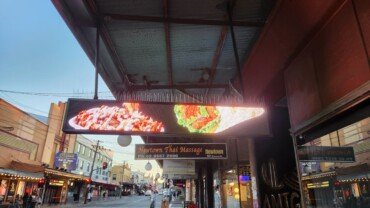
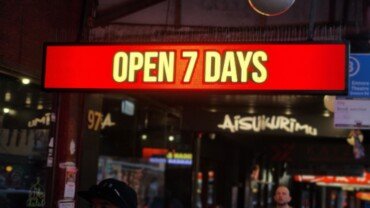

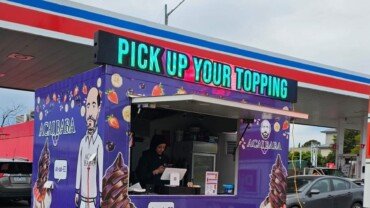



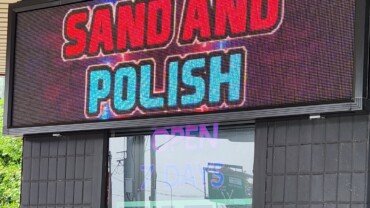
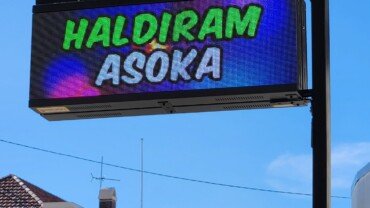
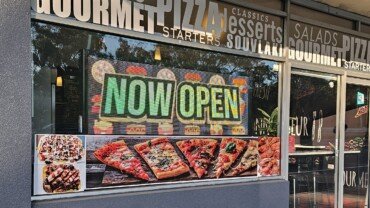

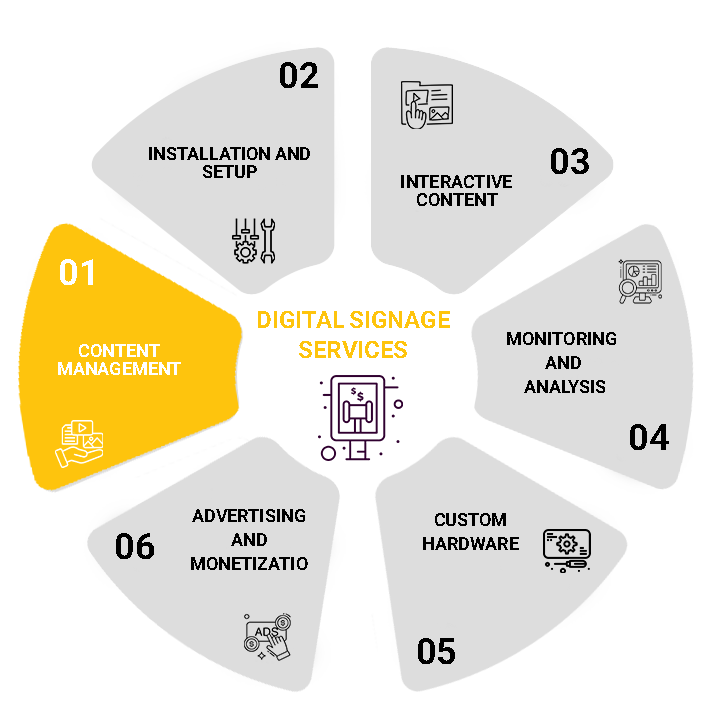
Easily manage all your digital signage content from a central platform. Schedule campaigns to play at specific times, update visuals instantly across all screens, and ensure your messaging is always relevant. Our cloud-based system allows for real-time control, no matter where you are. It’s content management, simplified and powerful.
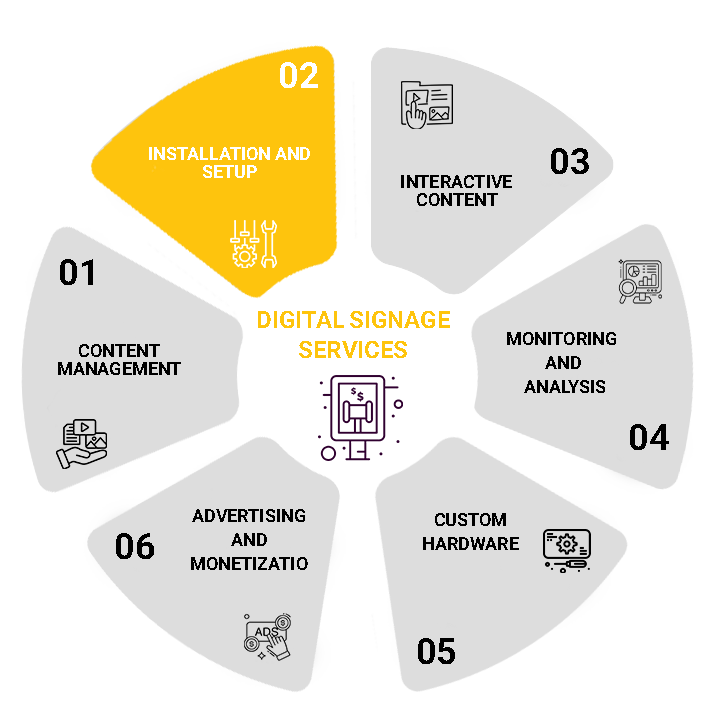
We provide full on-site installation services for LED displays, video walls, and other signage systems. Our technicians ensure precise setup, calibration, and seamless integration into your environment. Whether it’s a storefront, retail chain, or large venue, we tailor the installation to your space. Ongoing maintenance and support are also included.
Engage your audience with touchscreen displays, motion-triggered content, and real-time interaction tools. We integrate your signage with POS systems, mobile apps, QR codes, or social media feeds to create dynamic and engaging experiences. Interactive signage helps increase dwell time and customer engagement dramatically.
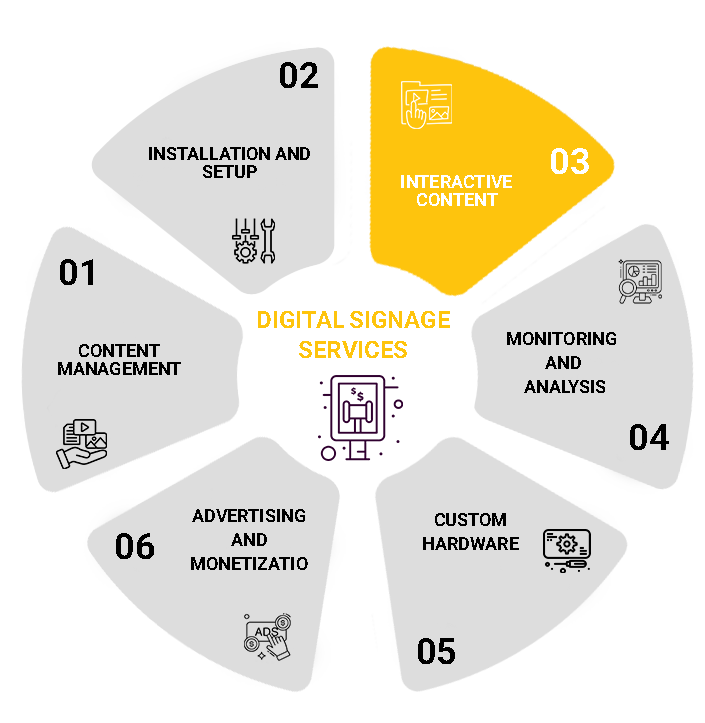
Stay in control of your signage network with live monitoring and performance tracking. Access analytics dashboards to view content uptime, hardware health, audience metrics, and campaign effectiveness. Early detection of issues ensures smooth, uninterrupted display operations. Optimize performance based on real user data.
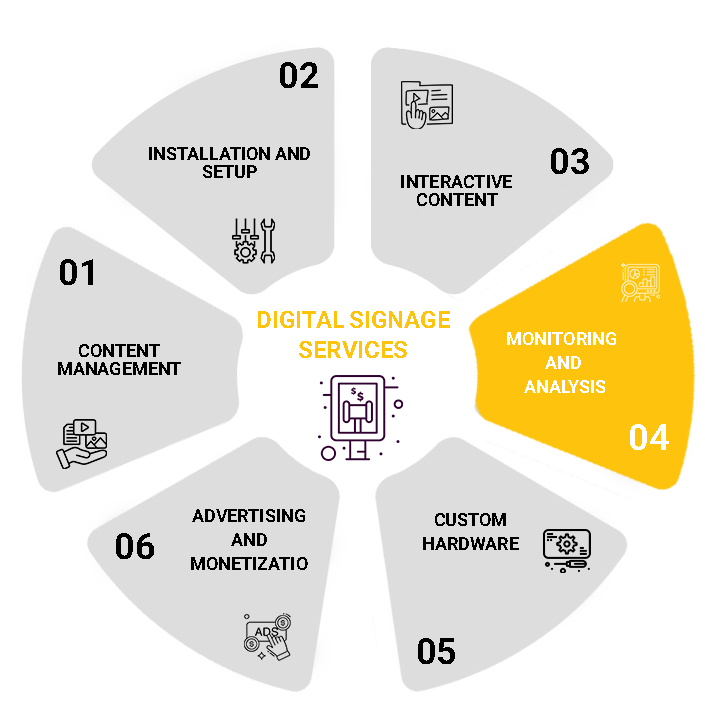
We offer a range of commercial-grade LED screens and video walls, tailored to fit your environment and business goals. Whether you need ultra-bright outdoor displays, ultra-slim indoor panels, or curved formats, we deliver solutions built for long-term performance. Our hardware is fully scalable for businesses of any size.
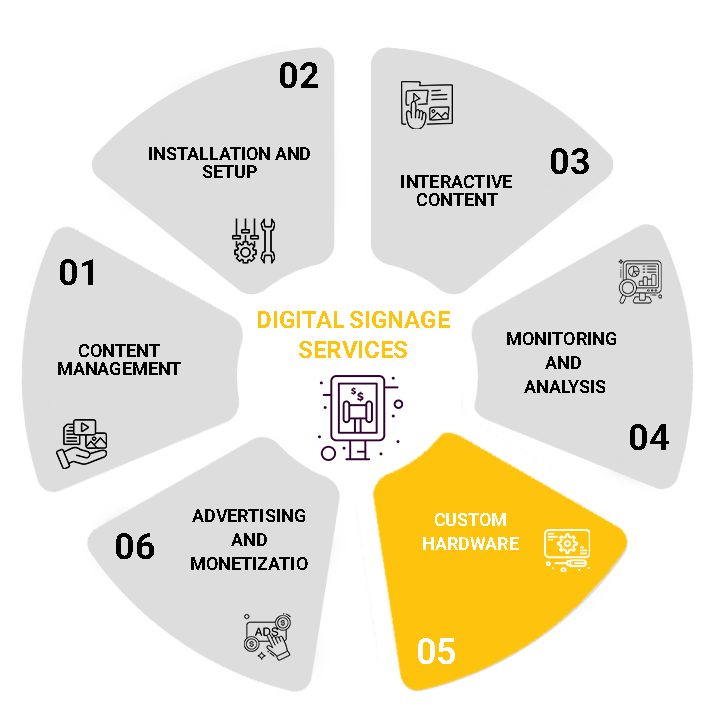
Turn your signage system into a revenue stream by offering advertising space to third-party brands or partners. We help you manage ad rotations, content permissions, and monetization strategies. Perfect for high-footfall locations like malls, transportation hubs, or franchises. Your digital signage can work for you.
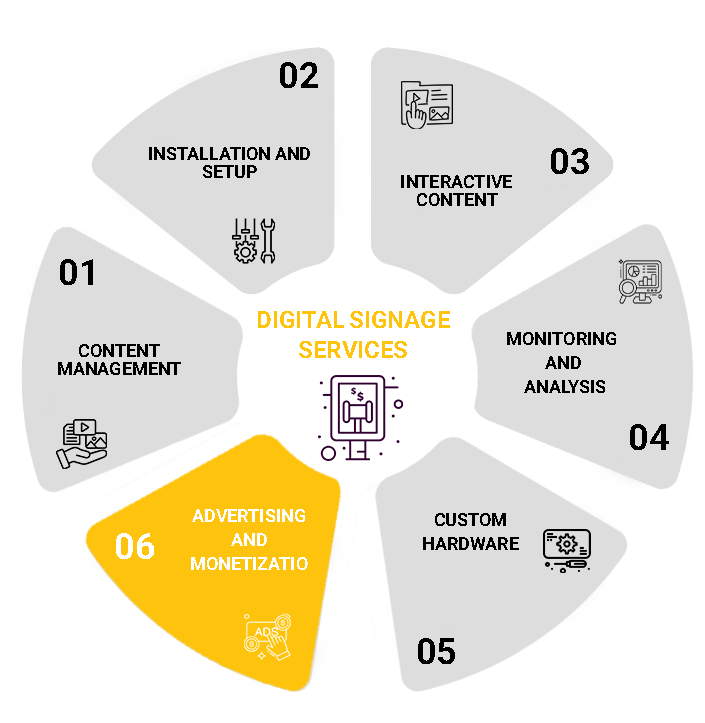
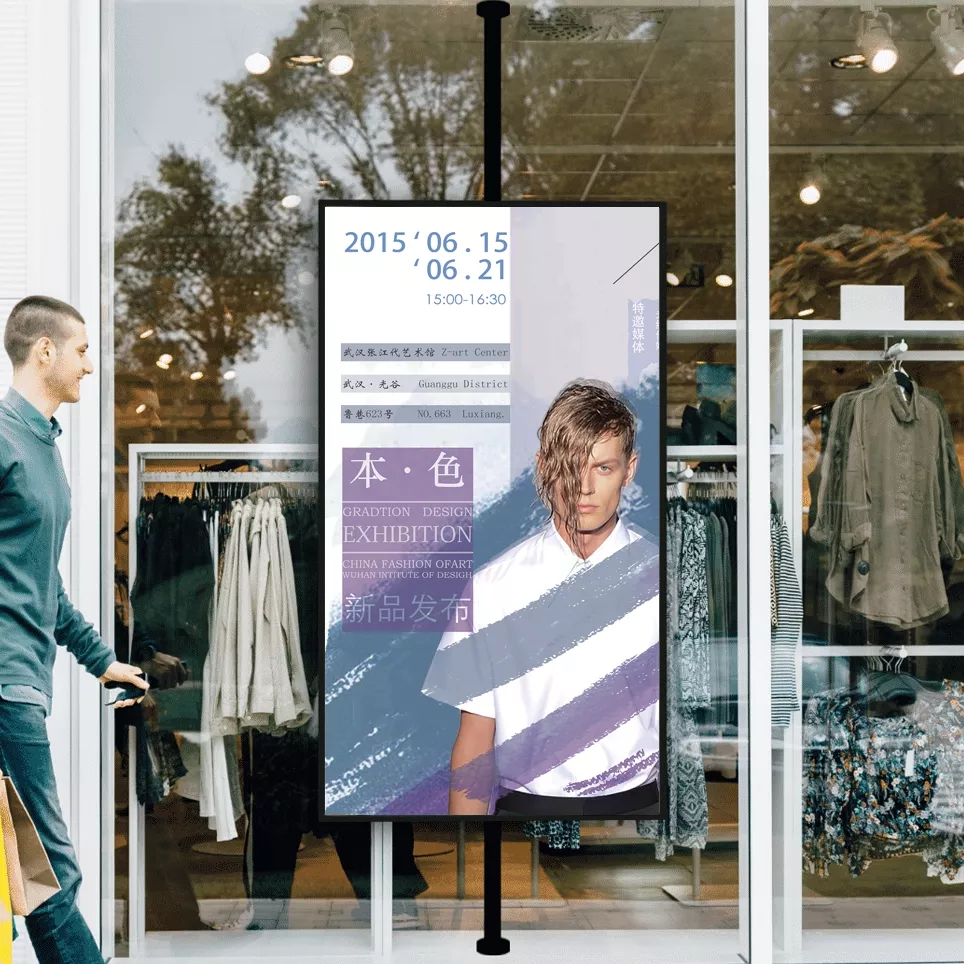
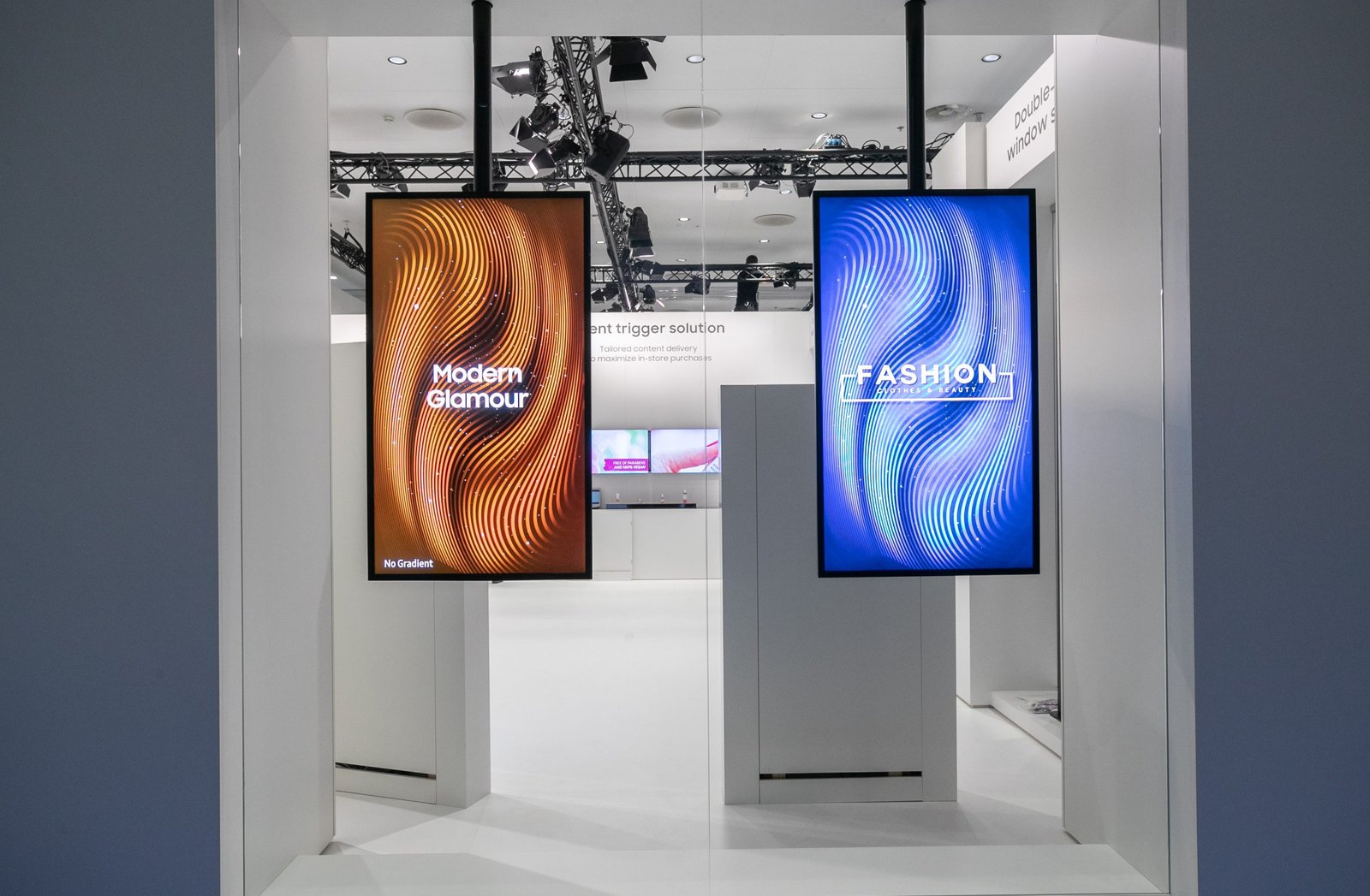
Our digital signage display screens are designed to perform flawlessly over time. Using premium-grade hardware and strict quality assurance, we ensure reliable uptime with every digital signage LED system, keeping your message live, your audience engaged, and your ROI strong. These high-performance solutions are available to businesses across Melbourne and Sydney.
Every brand is unique, and so is every space. That’s why we design custom digital signage solutions to match your exact needs. Whether you’re outfitting a retail store, office, or showroom, our team works with you from concept to completion to create a display experience that reflects your goals.
From vibrant video walls to targeted content scheduling, our digital signage display solutions are built to captivate. With data-backed performance and seamless integration, your displays don’t just inform, they influence, convert, and elevate your brand presence.
Make your message easier to see, understand and update. Whether you are planning a shopfront display, digital menu board, reception screen or large video wall, start with the way people will use the space—not simply the largest screen available.
Axeleron, Axeleron Screen Solutions, provides digital signage displays, LED video walls and custom display solutions, with installation services in Sydney and Melbourne. Our services bring together display selection, content management, installation and ongoing support.
Tell us what you want to display, where the screen will sit and who needs to see it. We can discuss the options for your business and the scope of your installation before you commit to a solution.
Get a Digital Signage Quote | Compare Display Options
Choose a starting point below, then refine the specification around your lighting, viewing distance, content and operating hours. These are solution categories rather than fixed packages; the right combination depends on your site.
For a reception area, retail floor or menu board, consider a commercial LCD display as your starting point. Commercial ranges include different screen sizes, resolutions and operating specifications, so the category alone does not tell you whether a particular model suits the job.
Think about the message first. A customer reading prices needs legible text; someone passing a promotional screen needs to understand the offer quickly. Plan the screen position and content together rather than squeezing an existing poster onto whichever display fits the wall.
A screen behind shopfront glass faces different conditions from one inside a softly lit room. Dedicated window-facing displays address daylight visibility, but brightness is only part of the specification. Check the manufacturer’s installation guidance for sunlight exposure, operating temperature and ventilation.
For your project, assess the window at several times of day. Photograph reflections, note the direction of sunlight and consider where pedestrians will stand. These details give the display consultation a more useful starting point than a photograph taken after sunset.
Axeleron offers outdoor LED screen solutions for commercial environments. Outdoor selection needs to account for the complete installation, including exposure, mounting, power and access for maintenance—not just the display surface.
A high brightness rating does not, by itself, establish weather resistance. Outdoor products have specific environmental and enclosure ratings that must suit their intended use. Ask for the selected product’s documentation rather than treating “outdoor” as a universal promise of protection.
For a large visual installation, explore Axeleron LED video wall solutions. Modular LED systems provide options beyond standard television dimensions, while transparent LED offers a different approach for glass-facing applications where preserving some visibility through the installation matters.
Consider these formats when scale or architectural integration is central to the brief. Compare the available wall or glass area, intended content and viewing positions before deciding which approach deserves a detailed proposal.
Use this comparison to organise your requirements before choosing a digital signage display screen. It is a planning guide, not a stock list or a guarantee that every configuration fits every site.
| Display approach | Project to discuss | Questions to resolve |
|---|---|---|
| Indoor commercial LCD | Reception, menus or promotional content | What size, resolution and operating schedule are required? |
| Window-facing display | A message viewed through shopfront glass | How will sunlight, reflections and heat affect placement? |
| Outdoor LED screen | External advertising or venue information | What exposure, structure and maintenance access must be addressed? |
| Direct-view LED wall | A large branded visual installation | What dimensions, pixel pitch and content resolution are appropriate? |
| Transparent LED | A glass-facing architectural display | How should visibility through the glass and displayed content be balanced? |
For a meaningful comparison, request the proposed model or configuration, physical dimensions, brightness, operating rating and installation requirements. Software, media players, mounting and support should also be identified in the proposal.
Also include the practical details that are easy to overlook: the finished installation depth, the usable image area and the location of accessible connections. For an LED installation, ask whether servicing takes place from the front or rear and how that choice affects the space required.
Request an explanation of any alternative product proposed during procurement. A replacement should be assessed against the agreed requirements, not accepted simply because the screen size looks similar. Keep the final specification with the quotation and handover documents.
Avoid comparing two quotations solely by diagonal size. Instead, put the inclusions side by side and ask which requirements each proposal addresses. That makes trade-offs visible before the purchase rather than during installation.
Digital signage uses electronic displays to present information such as images, video, menus and announcements. The display is the visible part of the system; content software and playback hardware determine how material reaches it and how it is updated.
A content management system, or CMS, can organise media into playlists and schedules. Depending on the chosen platform, an operator can publish content to individual screens or groups of displays from a central account. Capabilities vary by software and licence.
For your business, define the workflow early: who creates the content, who approves it and who changes it. A well-planned screen should fit that workflow, rather than adding another daily task nobody owns.
Start by marking where viewers will stand, sit or walk. Then prepare an example of the actual content: a menu, promotional design, welcome message or product presentation.
Review the smallest important text from the intended viewing position. Do not judge readability only from a laptop preview. Check the display area from an angle as well as directly in front, and consider whether furniture or people will block the view.
Your brief should prioritise the information that matters most. A screen carrying one clear offer has a different design task from a screen presenting a detailed service list.
Manufacturers specify display brightness in nits, also expressed as candelas per square metre. However, products intended for ordinary indoor use and dedicated window-facing applications can have very different specifications. The appropriate choice remains dependent on the model and environment.
Ask for an assessment of ambient light, glass reflections and sun exposure, not simply the highest available brightness number. Include evening conditions in the discussion too: the display should suit the space throughout its operating schedule.
Where possible, review comparable content under comparable lighting before making the final selection.
LCD resolution describes the panel’s pixel dimensions. With direct-view LED, the finished display’s resolution depends on both physical dimensions and pixel pitch. Pixel pitch measures the distance between the centres of neighbouring pixels; a smaller pitch places more pixels within the same area.
For illustration, a hypothetical LED canvas measuring 4,800 mm by 2,700 mm at a 2.5 mm pixel pitch corresponds to 1,920 by 1,080 pixels: divide each dimension by the pitch. Actual build dimensions depend on the available modules and cabinets. This distinction matters when reviewing a system described as “4K compatible”: accepting a signal is not the same as having that native pixel resolution. Ask for both the input capability and the finished display’s physical pixel dimensions.
A finer pitch can support closer viewing, but the smallest available pitch is not automatically the best investment. Viewing distance, content detail and budget should guide the choice.
Ask to see your intended content at an appropriate distance. For a deeper comparison, explore our LED vs LCD Video Wall Guide, then discuss the dimensions and resolution your project actually needs.
Check the selected display’s documented operating rating. Some commercial models support continuous operation, but that specification must be verified for the actual product rather than assumed from the words “commercial display”.
Also confirm whether the manufacturer supports the intended portrait or landscape installation. Rotation can affect ventilation and suitability; it should not be treated as a purely visual decision.
Finally, plan access. Ask how the screen, player and connections will be reached for servicing without unnecessarily dismantling cabinetry or disrupting the surrounding business area.
A consumer television may seem attractive when you compare the purchase price alone. Before choosing one, check whether its documented intended use matches the operating hours, mounting orientation and conditions of your business.
Commercial signage models can offer capabilities such as extended operating schedules, portrait support and display-management features. These are model-specific advantages, not features shared automatically by every professional screen. Equally, adding a signage player to a television does not change the television’s own hardware limitations.
| Requirement | What to verify before buying |
|---|---|
| Daily use | Documented operating hours for the exact model |
| Portrait installation | Manufacturer approval and ventilation instructions |
| Window placement | Suitability for the expected light and heat |
| Content updates | Compatibility with your chosen player and software |
| Warranty | Written terms applicable to the intended use |
For an existing television, begin with a compatibility review rather than assuming it must be replaced. For a new installation, compare the complete setup and intended use—not just the screen price.
Axeleron offers content management and scheduling as part of its digital signage services. Discuss the software scope alongside the display so that the way your team updates content is considered from the beginning.
Define the changes you need to make most often. A café might want breakfast and lunch content organised separately. A retailer might need campaign start and end dates. An office might need a simple way to refresh announcements.
Ask to see those tasks demonstrated with the proposed software. Confirm supported file formats, content preparation requirements and the steps needed to publish a change. A demonstration using your own sample material is more useful than a long list of features.
Some signage platforms support screen groups, scheduling and user permissions, allowing central teams to manage content while controlling access. The details depend on the selected platform and licence.
For a multi-site project, decide which content should be shared and which should remain local. Agree who can change prices, approve promotions and remove expired material. Include this division of responsibility in the brief rather than leaving it until every screen is installed.
A compatible system may use a display’s built-in computing platform or a separate media player. The player choice should match the content, software and required outputs; neither approach should be selected solely to remove a line from the quotation.
Offline playback also needs a specific discussion. Some systems cache published media, but that does not mean every new schedule or live data source will update without connectivity. Check how the proposed platform behaves when a connection drops.
Request the licence basis, renewal terms and any additional costs for specialist features before committing.
Agree who owns the signage account and how access will be handed over. Give team members the permissions needed for their role, document the process for removing former users and keep recovery details available to the authorised account owner. Discuss software updates and remote access with whoever manages your network. For public-facing screens, include a final content approval step so unfinished designs or internal information are not published accidentally.
Match each screen to a specific communication task. These planning examples show how to turn a broad idea into a focused project brief for your own business.
Consider the customer journey from the window to the point of purchase. A shopfront message might introduce a promotion, while an internal screen explains a product or directs attention to a department.
For example, a showroom brief could separate an entrance display introducing the brand from a product-area screen explaining a particular range. Keep the call to action appropriate to the location: speak to a team member, view a product or ask about the offer.
Give each display a clear purpose instead of repeating the same content everywhere. Prepare versions suited to their viewing positions, and assign someone to remove offers when stock or campaign dates change.
Begin with the menu structure and ordering position. Identify the items customers must read quickly, the information that should remain visible and the offers that can rotate.
Before approving a layout, test it using realistic names and prices rather than oversized sample text. Discuss menu updates and day-based scheduling with the software provider. Treat any POS integration as a separate requirement to verify, not an automatic inclusion.
For a reception screen, prioritise visitor information and a clear welcome. For staff areas, consider announcements, reminders and useful operational updates.
Keep visitor-facing and internal material separate. Assign approval responsibility, establish an update schedule and review what information should never appear on a publicly visible screen. The brief should address content ownership just as carefully as screen position.
For one venue, prioritise a setup your team can comfortably operate. Identify the person responsible for updates, prepare the launch content and agree a simple handover process. Avoid adding features without a clear use for them; leave room in the discussion for future requirements instead.
For several locations, create a shared brief without assuming every site is identical. Record differences in wall space, light, access and operating hours. Separate the elements that should remain consistent, such as campaign templates, from those that need local adjustment.
Consider testing the proposed workflow at a representative location before extending it. Use the trial to review readability, scheduling, permissions and staff confidence. Record what needs changing before approving the wider deployment.
Agree acceptance checks in advance: the intended content should fit, the relevant staff should be able to update it, and support responsibilities should be understood. This provides a practical basis for signing off the project, beyond seeing the screen switch on.
The Axeleron Digital Signage Cost Australia Guide explains the components of a signage budget and distinguishes indicative market estimates from project quotations. Use it for background, then request pricing for your actual location and scope.
When requesting a quote, specify whether you need hardware supply only or a working installation. Ask for the screen or LED assembly, media player, controller where required, mounting, cabling and software to be identified separately.
Also clarify who is responsible for power, network availability, site access and any preparation of the mounting area. Include content setup, training and handover in the discussion rather than assuming they are part of the hardware price.
For a single indoor display, request a proposal covering the screen, mount, playback method and initial setup.
For a window-facing installation, add the site’s daylight and thermal conditions to the brief, along with the intended mounting position.
For a multi-screen or LED wall project, define the number of displays, layout, content behaviour and service requirements before comparing totals.
These are quotation starting points, not fixed Axeleron packages. The final equipment selection should follow the requirements rather than an arbitrary price tier.
Ask about software renewals, content production, support arrangements and maintenance before approving the initial investment. Where electricity costs matter to your decision, request the proposed equipment’s power specifications and agree realistic operating assumptions.
For a clear commercial comparison, request pricing in Australian dollars with GST treatment, validity, inclusions and exclusions explicitly stated. Keep recurring costs visible alongside the initial purchase so the project is assessed over its intended use, not just installation day.
Axeleron provides on-site setup for digital displays and video walls, with services including installation, calibration and ongoing support. The precise service scope should be agreed for your project.
Prepare photographs of the proposed location, approximate dimensions and an example of your content. Note opening hours, viewing positions, sun exposure and any restrictions on installation access.
Use the assessment to resolve the display position, equipment choice and responsibilities for site preparation. Ask for the agreed assumptions to be recorded in the proposal. This gives everyone a common reference if the project changes later.
Before installation, agree when work can occur and which areas need to remain operational. Identify access requirements and coordinate any separate electrical, network or building work with the responsible parties.
For handover, request a demonstration using the content and schedule your business will actually use. Include a basic update, playback check and explanation of what to do when something does not look right. Agree whether staff training and written instructions are included.
We provide installation services in Sydney and Melbourne. Ask about our consultation and installation offers, and confirm the applicable area, eligibility and inclusions in your written proposal. For other locations, discuss service availability before scheduling the project.
Keep the support arrangement practical: establish the contact method, service scope and responsibility for hardware, software and network issues. Hardware warranty and an ongoing support agreement should be discussed separately so neither is mistaken for the other.
Treat content as part of the project brief, not the final item added before launch. Decide what viewers should notice first, what they need to understand and what action they can realistically take.
Use a clear hierarchy: a main message, supporting detail and a relevant next step. For menus, prioritise legibility. For promotional displays, test whether the offer makes sense without waiting through an entire playlist. Do not rely on sound to explain information intended for a passing audience.
Prepare designs for the final screen orientation and layout. Review them on the installed display before approving the campaign. A layout that looks balanced on a desktop may need adjustment when viewed across a room.
Need help preparing the material? Axeleron provides content creation services, including visuals, animation and video. Discuss the deliverables, update process and ownership of design files as part of that scope.
Prepare a launch playlist and a simple content calendar before installation day. Give each item an owner, an approval status and an expiry date. Reserve space for the information that must remain visible, then decide which promotional material can rotate around it.
Choose one useful measure for the first review. For a campaign, that might be enquiries mentioning the displayed offer. For a menu project, it might be the time staff need to publish an approved change. Record the starting point and review the same measure after launch.
Treat the results as feedback, not automatic proof that the screen caused a business change. Check the content, placement and update process together, then adjust the part that is not working as intended.
Explore our portfolios of digital signage, LED video walls, outdoor screens and transparent LED installations. Use the galleries as a starting point for discussing the visual format you have in mind.
When reviewing a relevant example, ask about the screen dimensions, viewing environment and scope of work. Bring photographs of your own site to the conversation so the comparison stays practical.
A project image should start the discussion, not replace a specification. Your proposal should explain why the recommended configuration suits your location rather than simply recreating the appearance of another display.
Axeleron offers custom display solutions across LCD, LED video walls, outdoor LED and transparent LED formats, together with installation and content-related services. This provides a starting point for discussing the display and its operation as one project rather than as unrelated purchases.
Bring your business objective, preferred location and budget considerations to the consultation. Ask the team to explain the practical differences between suitable options and identify what is included in the proposed solution.
Ask about our three-year warranty and how it applies to your selected equipment. Confirm the relevant coverage, service process and any exclusions in writing. The most useful commitment is one you understand before the installation begins.
A digital signage display is an electronic screen used to present information such as promotions, menus, video or announcements. The complete system also includes a way to prepare and play content. The display, player and software should be selected to work together for the intended application.
Start with your specific location, lighting, viewing distance, content and operating hours. Share photographs and sample content when requesting advice. Compare proposals against those requirements, including installation and management needs, rather than choosing solely by screen size or the lowest advertised hardware price.
It may be possible with compatible playback equipment, but check the television’s intended use, operating limits, orientation and warranty terms. A signage player cannot upgrade the panel’s environmental or operational rating. Review the exact model before deciding whether reusing it is appropriate.
An LCD video wall combines separate panels, including their bezel boundaries. A direct-view LED wall builds the image from LED modules. Selection should consider the required size, viewing distance, content and installation. Neither technology should be described as automatically best for every project.
Not always. Some commercial displays have an integrated computing platform compatible with signage software; other projects use an external player. Confirm the proposed software, media formats and playback requirements before selecting either approach. Hardware compatibility should be checked for the exact model and application.
Compatible signage platforms can manage content across multiple screens and locations. Scheduling, permissions and grouping capabilities depend on the software and licence. Ask for a demonstration of your intended workflow, including shared campaigns and location-specific content, before confirming the system.
Yes, when the selected display and installation are suitable for the conditions. Do not assume an indoor or window-facing model can be exposed directly to weather. Review environmental ratings, installation guidance and maintenance access for the proposed equipment and site.
The price depends on the equipment and project scope, so request an itemised quotation rather than relying on a universal figure. Compare hardware, software, installation, content setup and ongoing costs. The Axeleron pricing guide provides background; its market estimates are not fixed project offers.
We provide installation, setup and ongoing support services in Sydney and Melbourne. The inclusions for your project should be confirmed in writing. Ask who handles commissioning, staff handover and future assistance, and discuss availability separately for locations outside those service areas.
Ask about our three-year warranty and how it applies to your proposed product, and confirm parts, labour, transport and any on-site service arrangements rather than assuming identical coverage for every component. Keep the written warranty terms with your equipment and handover documentation.
Start with your space and the message you need to communicate. Send Axeleron your project location, approximate display dimensions, intended content and preferred timeframe. Photographs of the installation area are useful; you do not need to know the correct model or technical specification before making an enquiry.
Whether you are considering one screen or a larger visual installation, use the conversation to establish suitable options, responsibilities and a clear project scope.

Axeleron delivers custom digital LED signage solutions for retail, commercial, outdoor, and public spaces. With over a decade of experience, we provide design, installation, remote content management, and ongoing support to help brands attract attention and stand out across Australia.
